
Upgrading Existing DSS Site to Version 10.0-10.3
Prerequisites:
Important
If your DSS site uses InSite Search, then ensure your implementation
uses an InSite Search version compatible with your upgraded
CMS and DSS version.
The instructions below help you to upgrade:
- from DSS 9.x to 10.0–10.3.
- from an earlier version of DSS 10.x to 10.0–10.3.
To upgrade your existing DSS site to version 10.0–10.3:
- Click Dynamic Site Server 10.x Setup Wizard.
The Welcome view of the Ingeniux Dynamic
Site Server Instance Setup Wizard V10.x dialog displays.
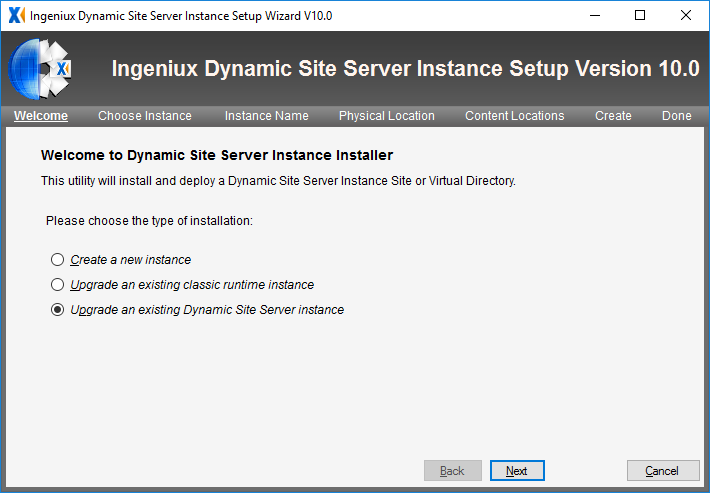
- Click Next. The Choose Instance
screen displays.
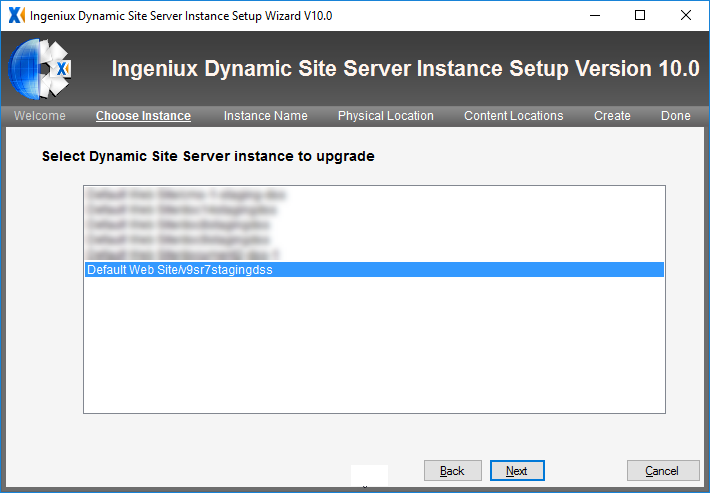
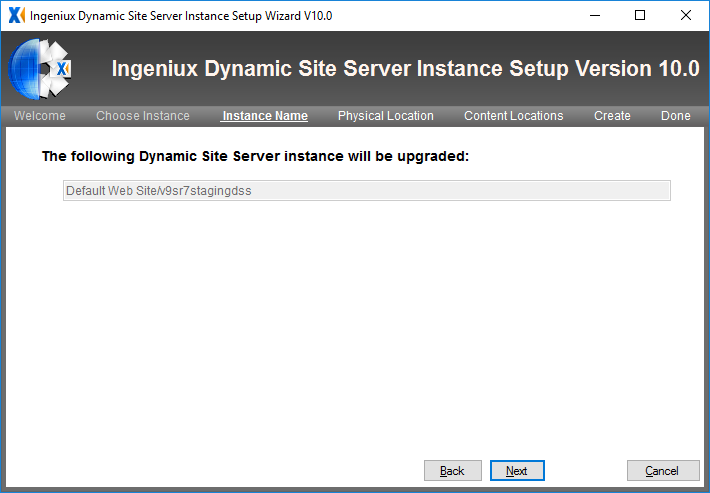
- Verify that you selected the correct DSS instance to upgrade.
- Click Next. The read-only Physical
Location screen displays.
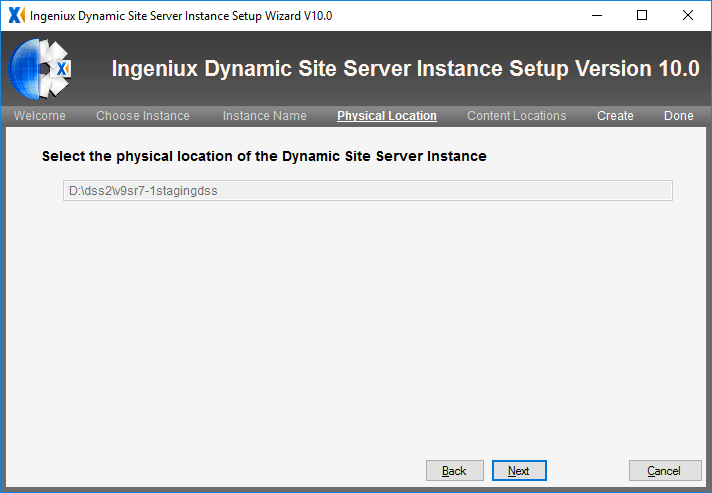
- Verify that the wizard auto-populated the correct path to the
published content folder.
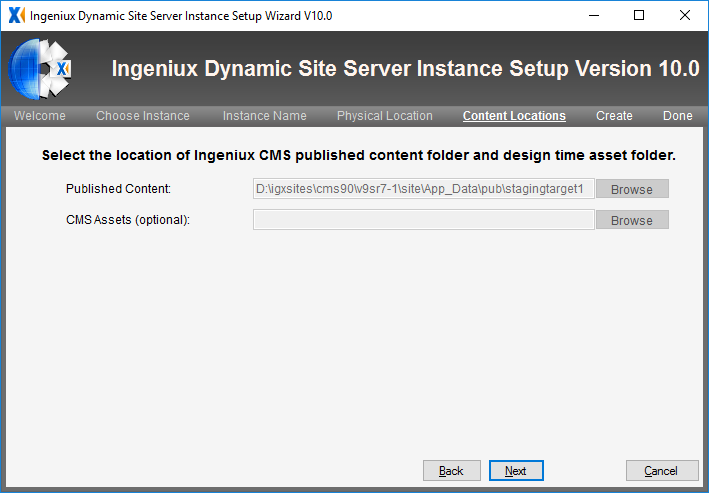
- Click Next. The read-only Create
screen displays.
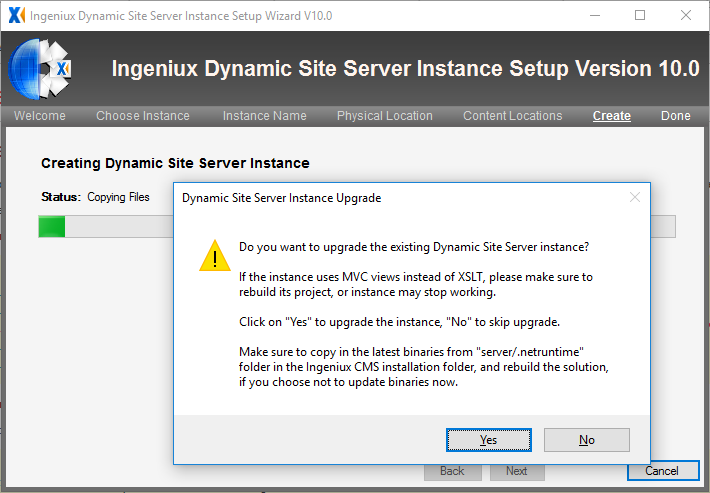
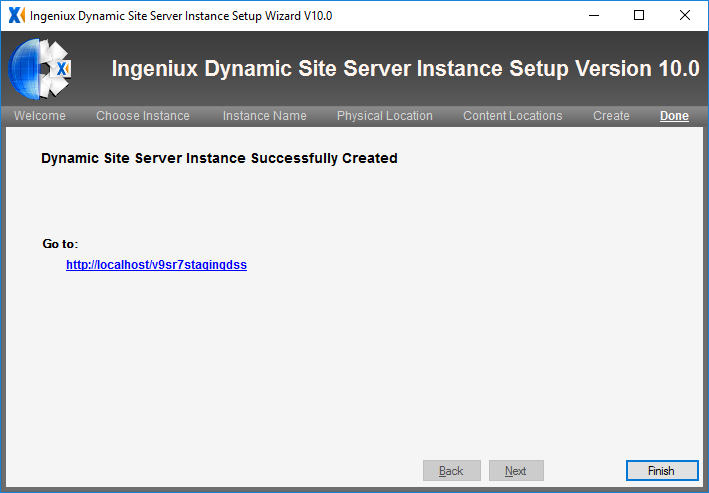
-
The setup wizard creates a new DSS instance. Click the link to
navigate to it.
Next Steps (optional): After upgrading your DSS, it's a good idea to review the DSS Upgrade Checklist.
This section includes: