
Deleting Aliases via Site Tree
Delete aliases directly from the Site Tree using the context menu.
Warning
The CMS permanently deletes DITA aliases without moving them to the
recycle folder. Deleted aliases cannot be recovered. If you delete a root alias
corresponding with a map, the CMS deletes the alias and any other aliases of DITA asset
dependencies within that alias structure.
To delete an alias using the tree context menu:
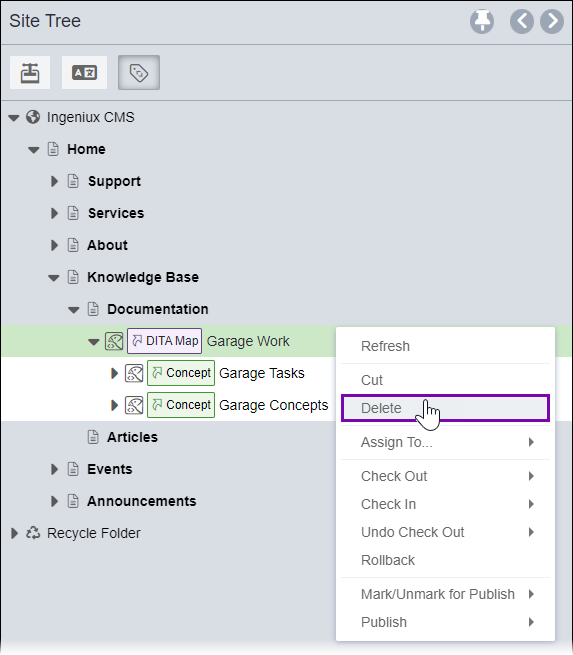
- Right-click the top-level alias of the alias structure in Site Tree, then select Delete in the context menu.
 TroubleshootingThe CMS prevents deleting individual aliases nested within an alias structure. Alias structures operate as single units. Alias structures can only be deleted from their root alias.
A confirmation dialog displays, asking you to verify the alias deletion for the selected DITA asset.
Task Troubleshooting:
Version Notes: CMS 10.6.492
Only
aliases marked for publish display in the in the Site Tree. If the tree does display the
alias you want to delete, verify the aliased DITA asset root is marked to the target
selected in the Site Tree publishing target filter.